The FY500 has two sensors used to calibrate and monitor it's position limits. In the case of any unexpected position or motor behaviour, it may be helpful to check the sensors are working correctly.
Please follow this guide to check the calibration sensors:
Step 1: Check the sensor position blade is not damaged
Power off the machine before you begin.
Move the slide gently by hand to about halfway extended position.
You're looking for a small plastic part on the rear inside of the slide, shown here:
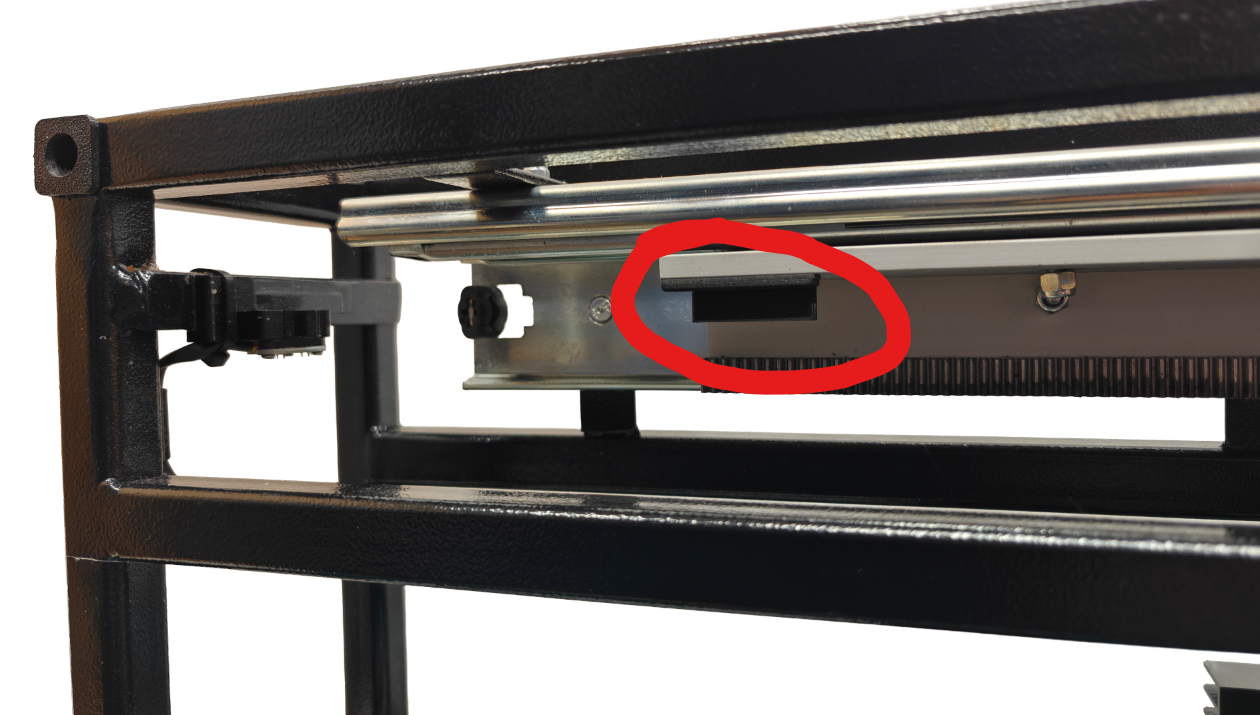
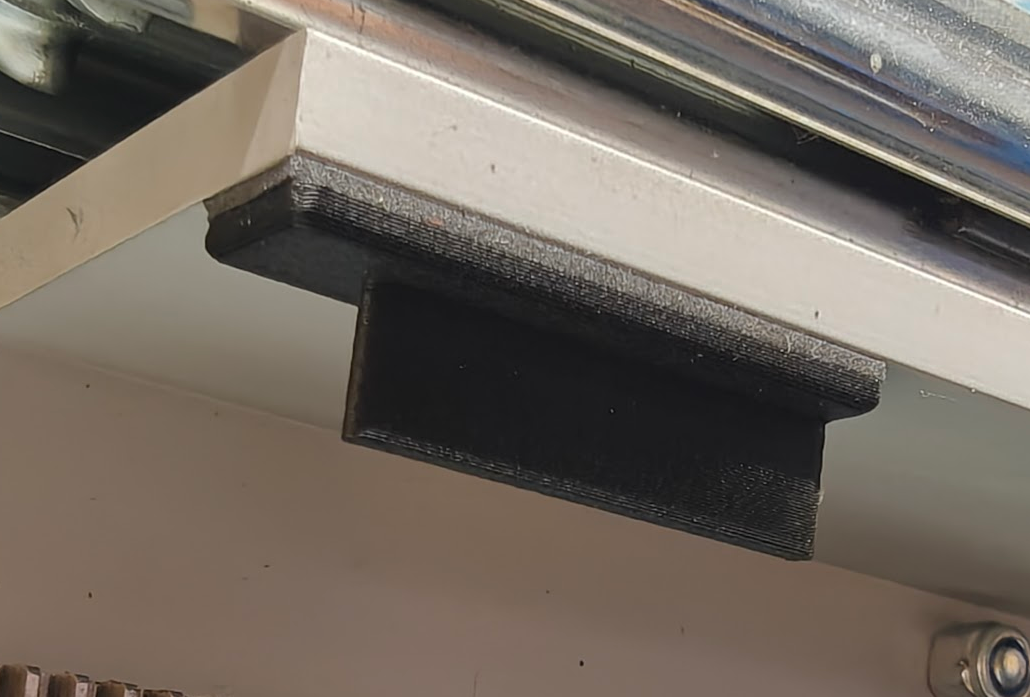
It should look like this, with a thin rectangular "blade" (which passes through the optical sensors at either end of the extension)
.png)
If that looks fine, please proceed to the following steps to check the sensors themselves.
Step 2 Checking the Sensors
Disconnect the SmartController's data cable from the machine, the controller is not required for this test.
With the slide still about halfway extended, power on the FY500.
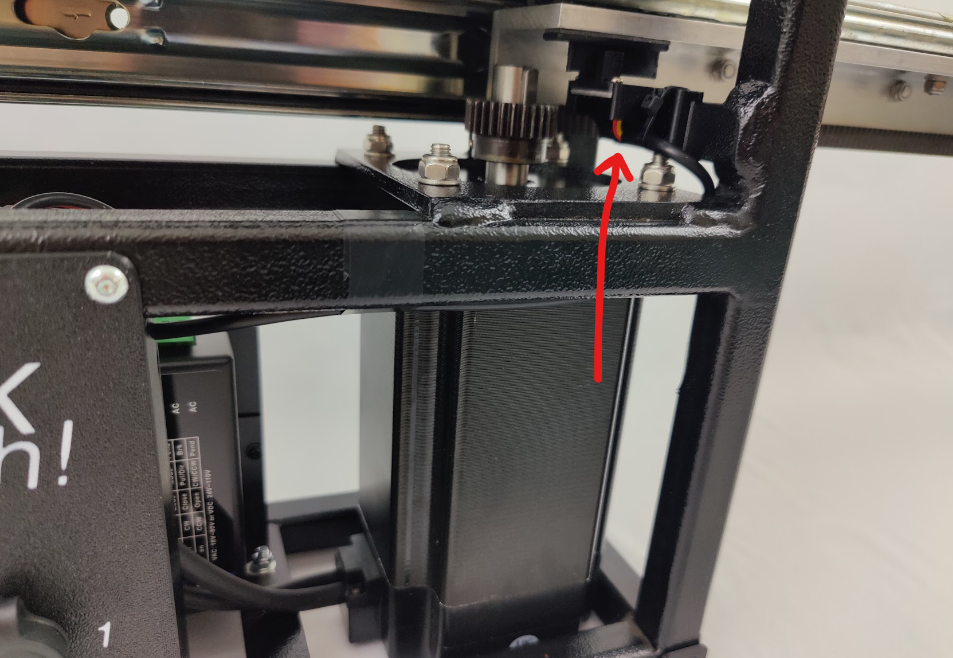
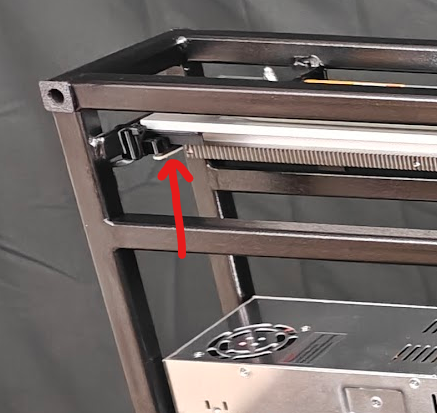
Please observe the underside of the calibration sensors, you should see a lit red LED on the underside of each sensor.
Front sensor:
.png)
Rear sensor:
.png)
You can now test the sensors by passing something black/opaque within the sensor gap area.
The red LED should go out when you block the sensor, as seen below:
If you see no lit red LED on either of the sensors, or they do not react when triggered as described, the sensors are not working correctly. Please contact support for advice.
